RACE App#
The RACE App is your home for accessing all things RACE. It’s added to your Microsoft Teams and can be accessed on all of your devices. Currently the RACE App supports self-service onboarding to our RACE Workbench.
-
Open the RACE App#
Click here to open in MS Teams
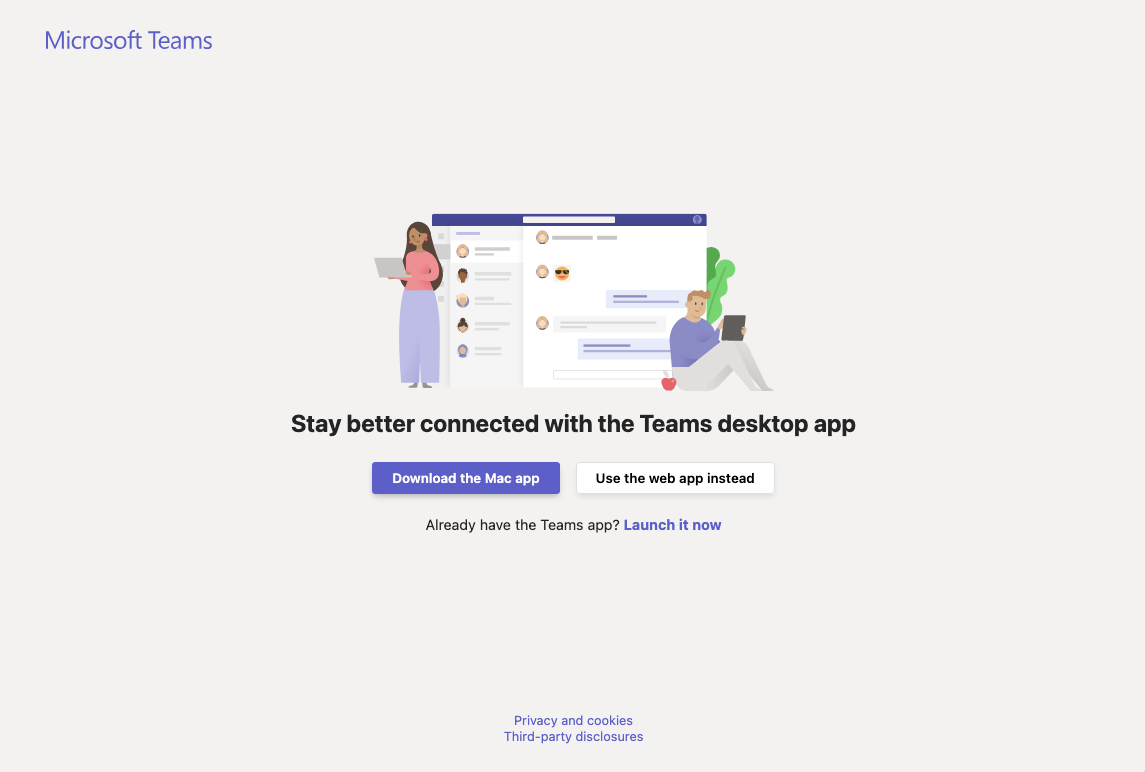
If the link opens your browser instead of Teams, click “Launch it now” or “Use the web app instead” to continue.
-
Add the App#
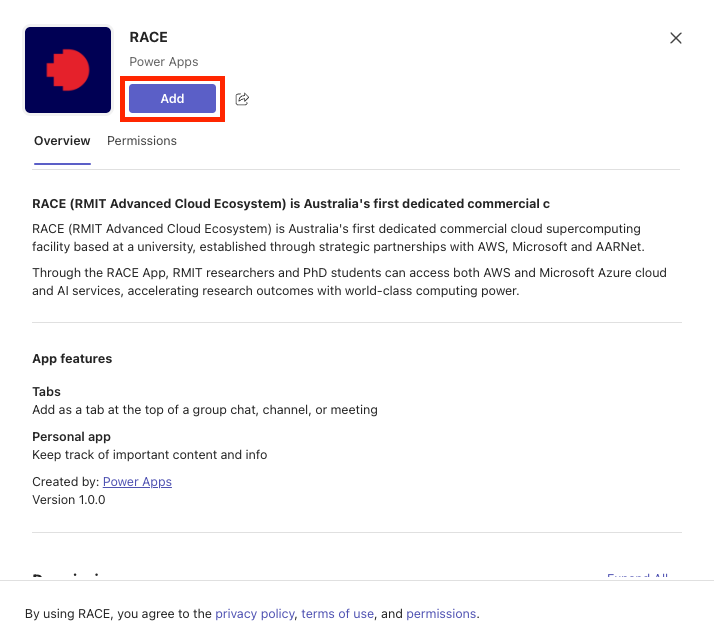
Click “Add” to install the app in your MS Teams.
-
Get Started#
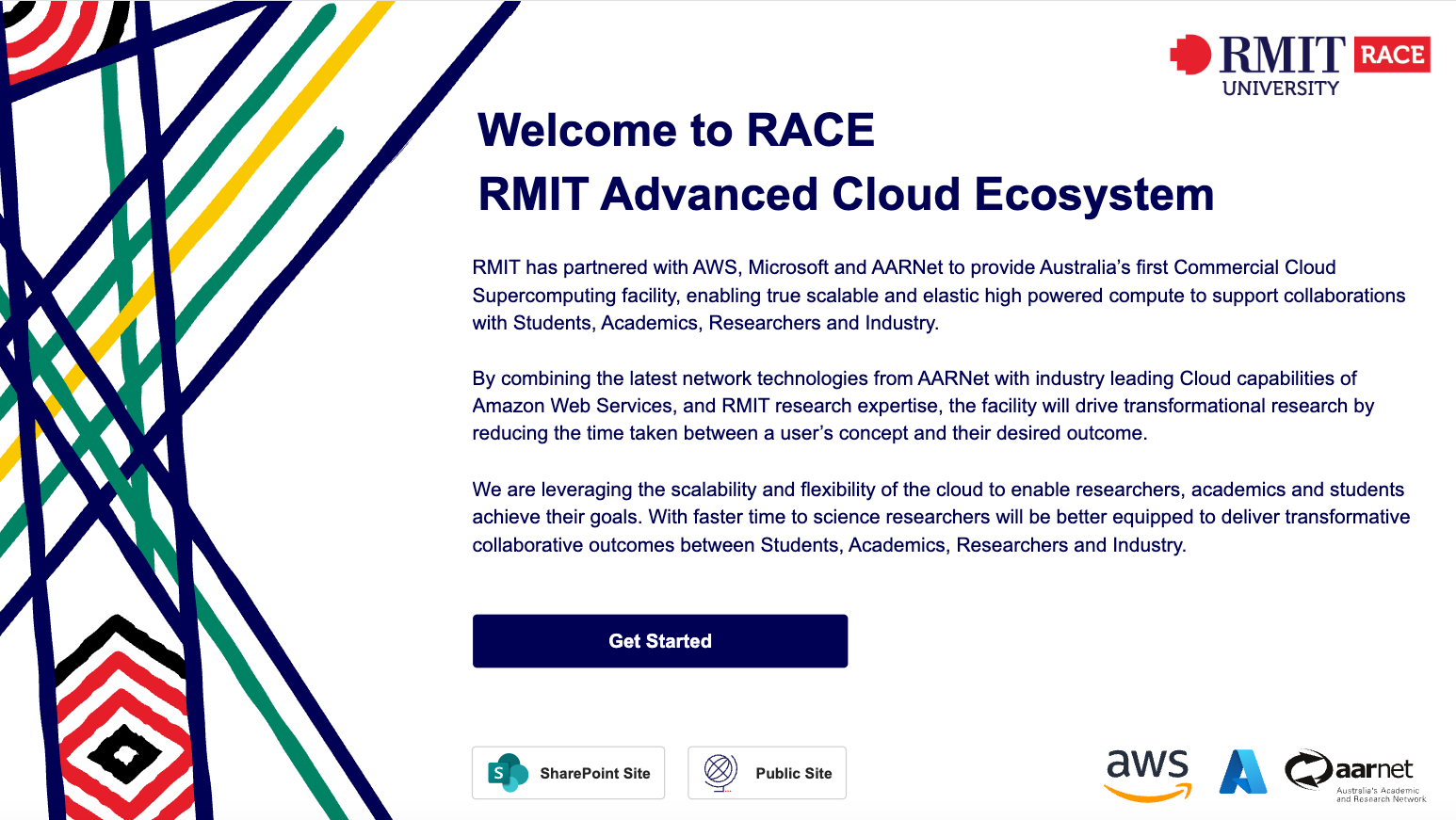
Once installed, click “Open” followed by “Get Started”.
-
Complete Your Details#
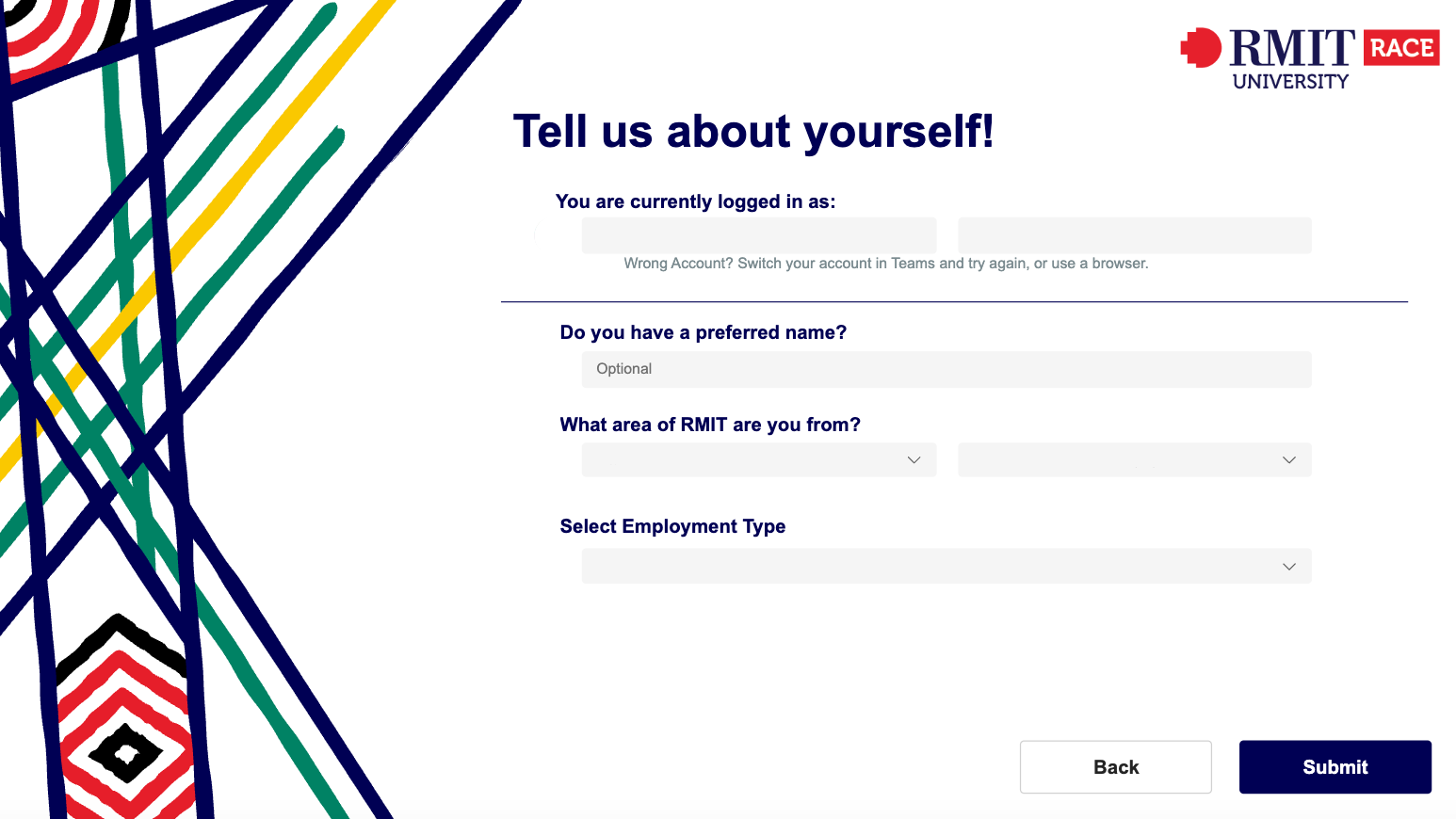
Check that your details are correct, or fill out the required fields. Enter a preferred name and click “Submit”.
-
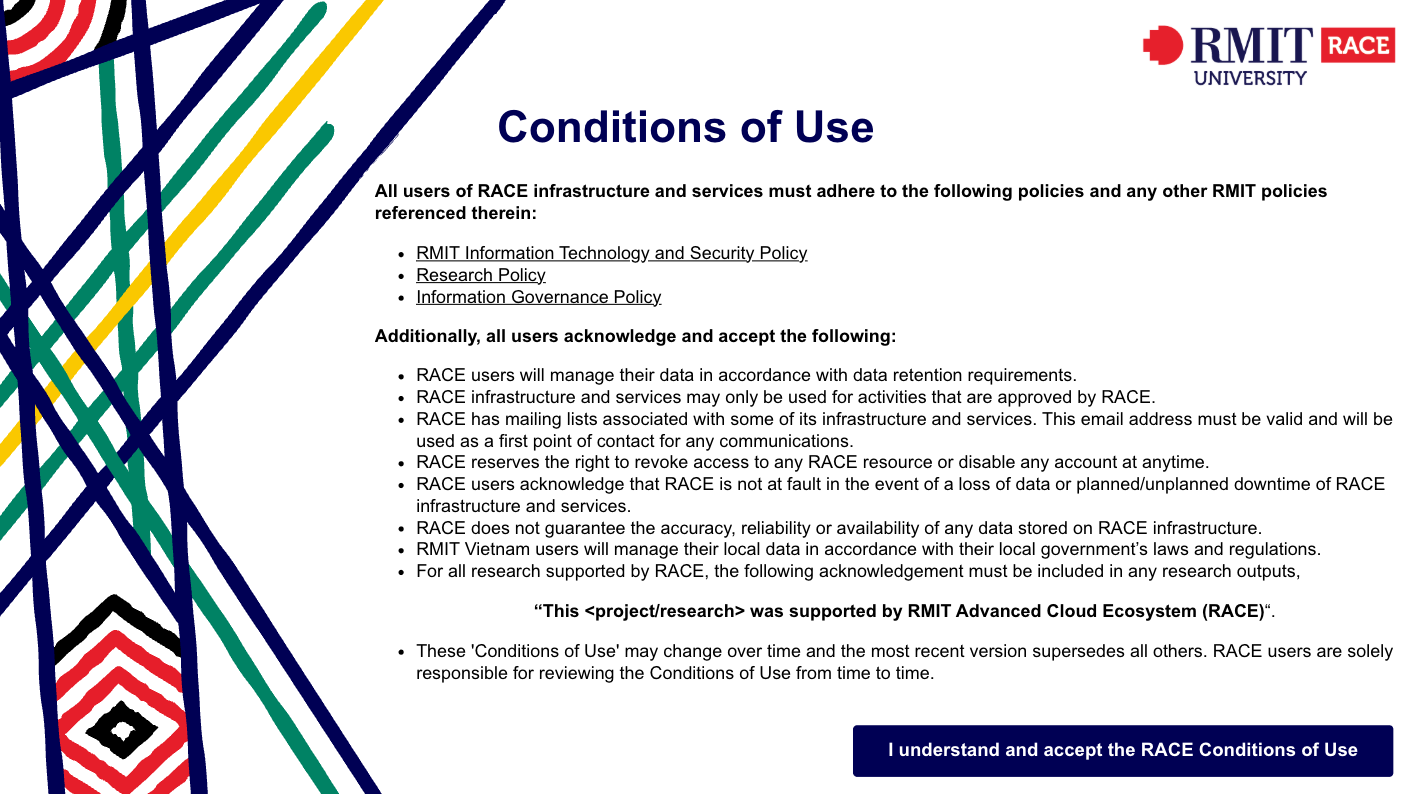
Accept Conditions of Use#
Read and accept the conditions of use.
-
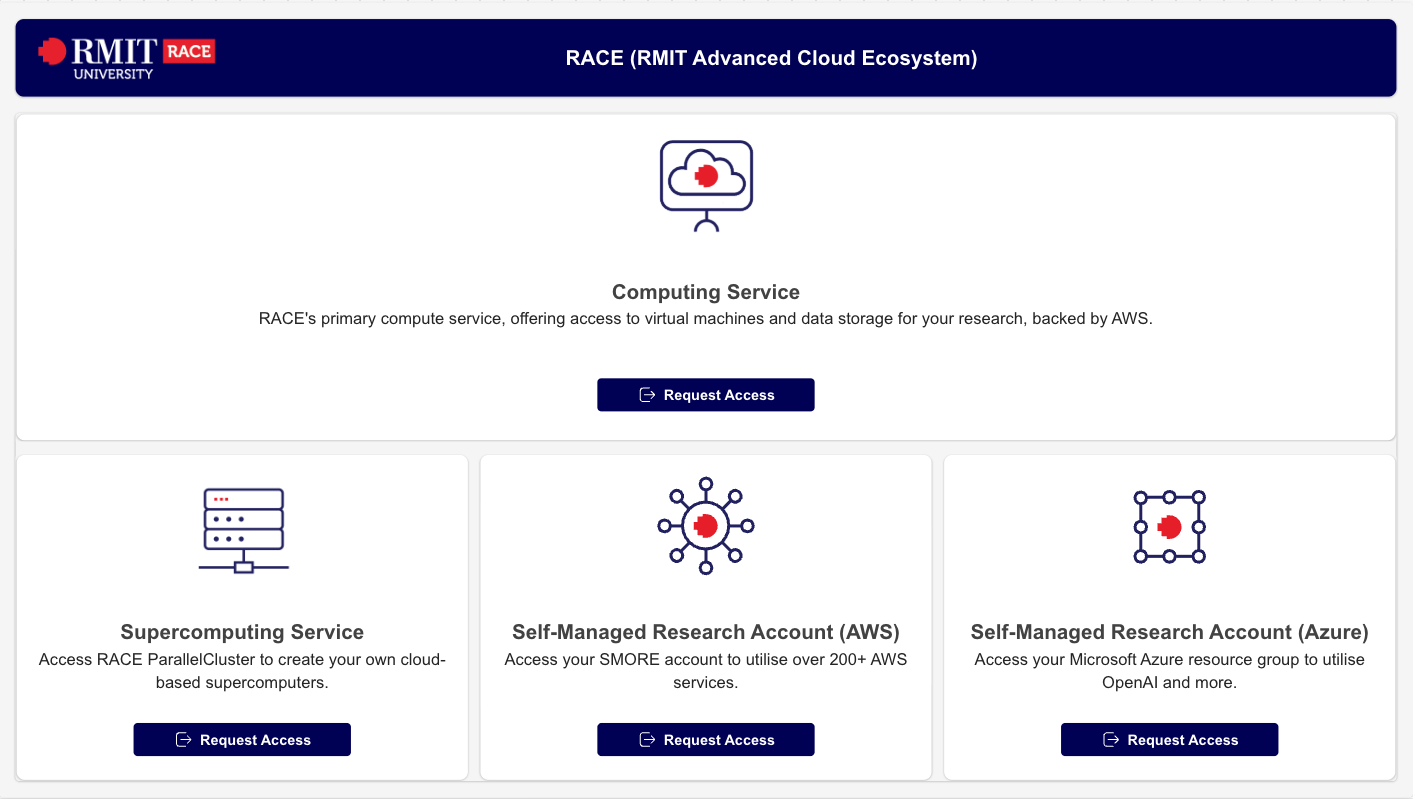
Request Access to a Service#
Click the “Request Access” button below the service you need (e.g. “RACE Workbench”).
Please note that only RACE Workbench supports self-service onboarding.
-
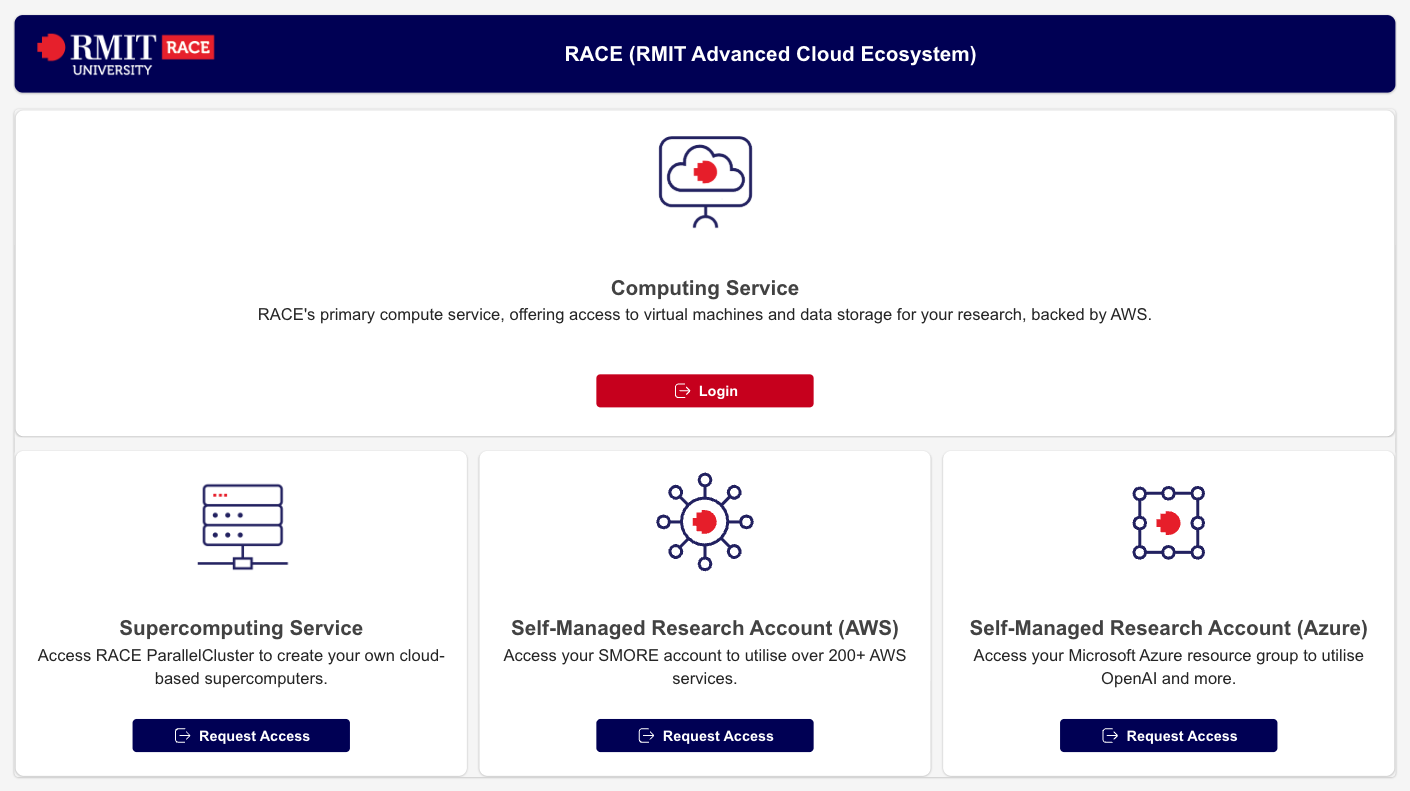
Log In#
Once approved, use the login button to access your service.
Need Help?#
If you have any issues or question about the RACE App, contact us at race@rmit.edu.au.