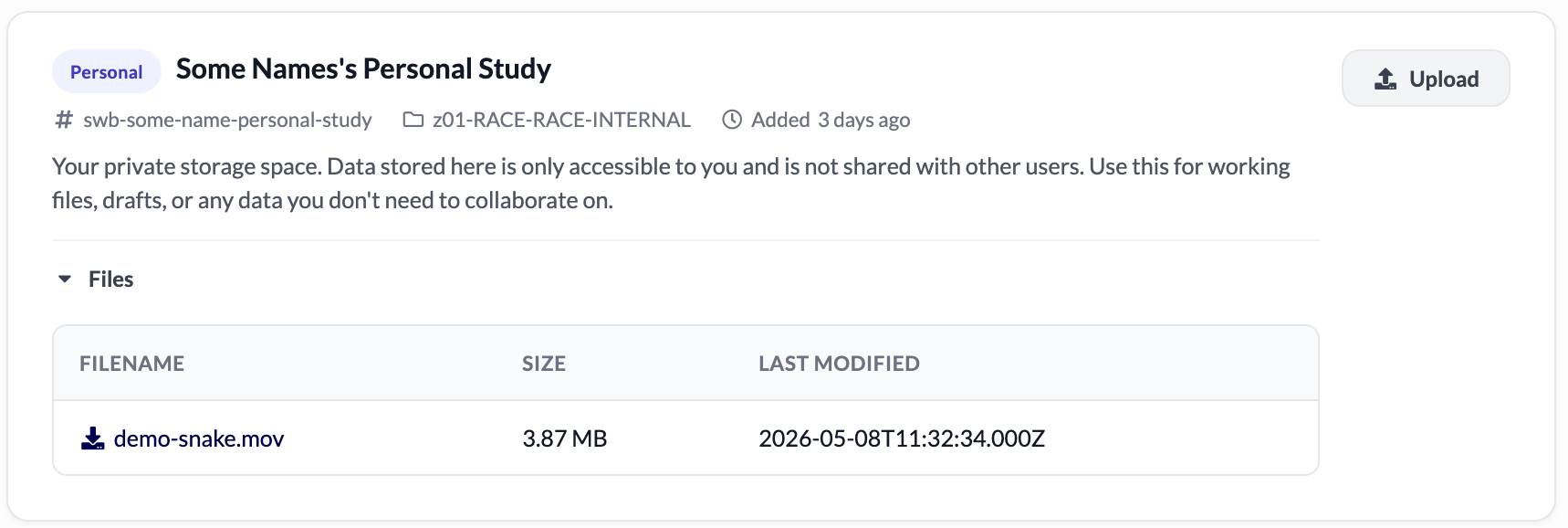
Studies#
First up we have Studies. Studies are persistent storage buckets that are independent of your workspaces. You can attach one or many Studies to your workspaces. A Study can be used to pre-load data before creating a workspace and it will be available within your workspace after launch. You can also download any files that you have stored.
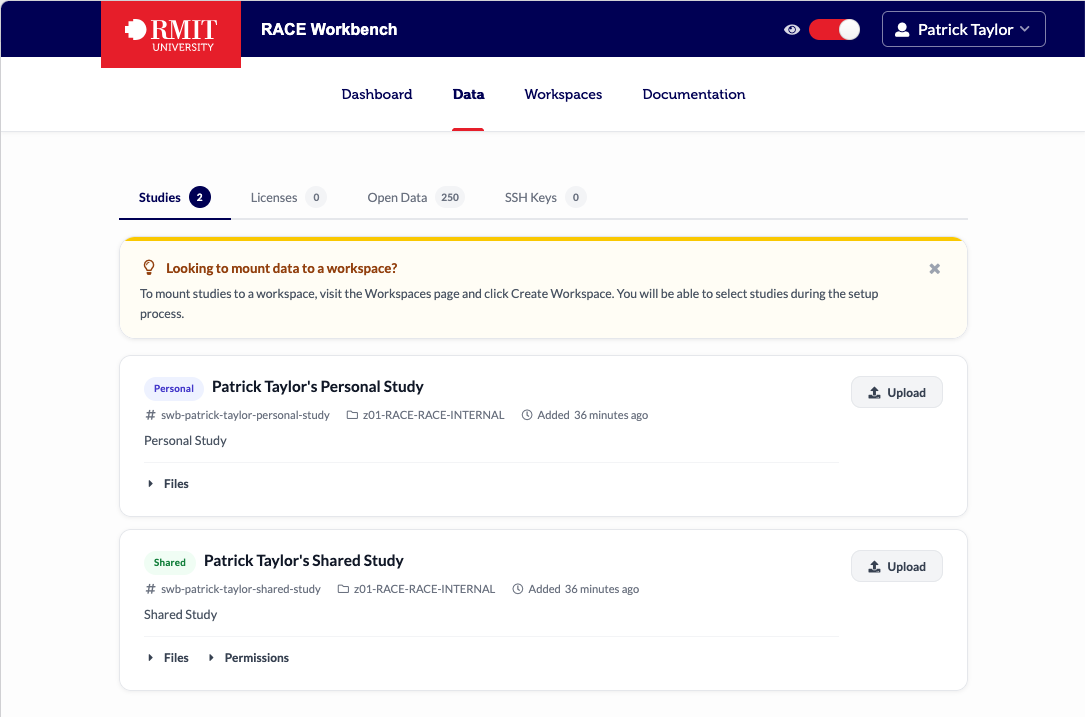
There are two main types of Studies, a Personal Study and a Shared Study:
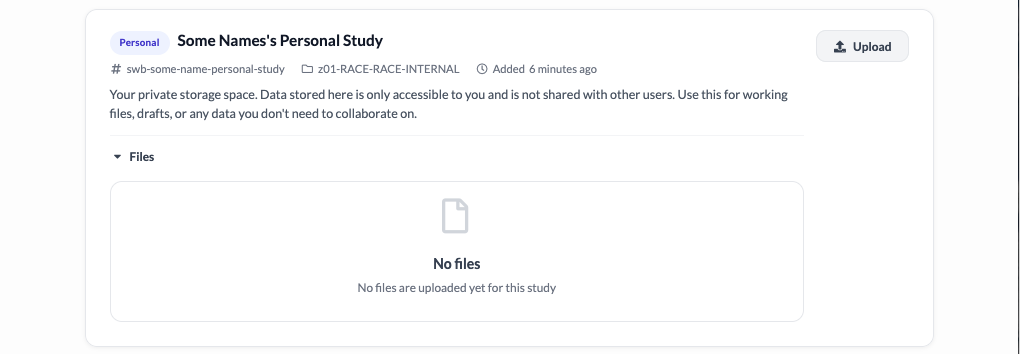
Personal Study#
Your Personal Study can only be accessed or mounted via your account. Common use cases include: 1) Storing data between workspaces, 2) Preloading datasets before launching a workspace and 3) Keeping commonly used tools and software.
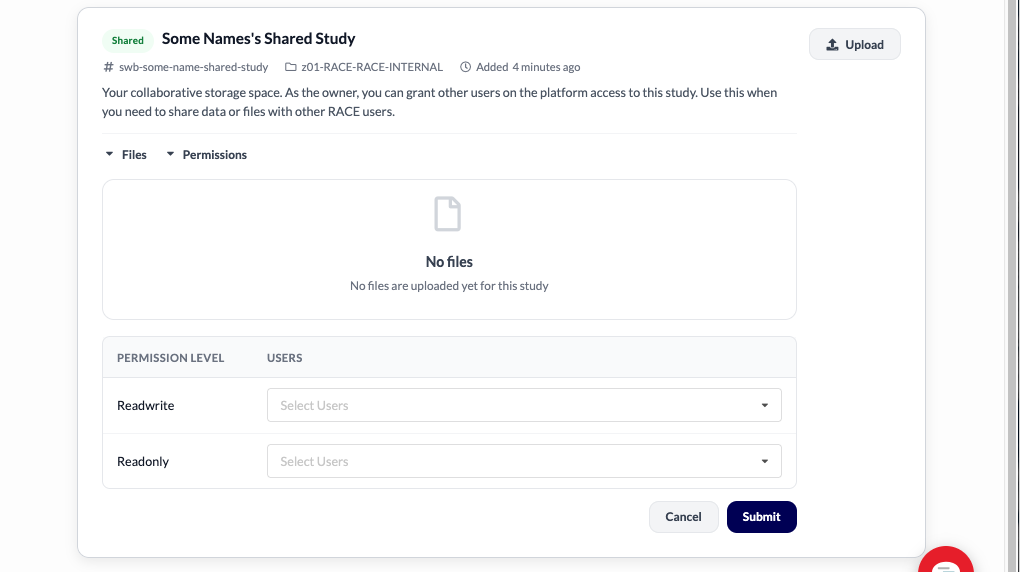
Shared Study#
You can customise the permissions of your Shared Study. You can assign Read-write / Read-only access to other people using RACE Workbench. Common use cases include: 1) Sharing large datasets — only one team member needs to upload and 2) Storing research group tools and software
Uploading Data#
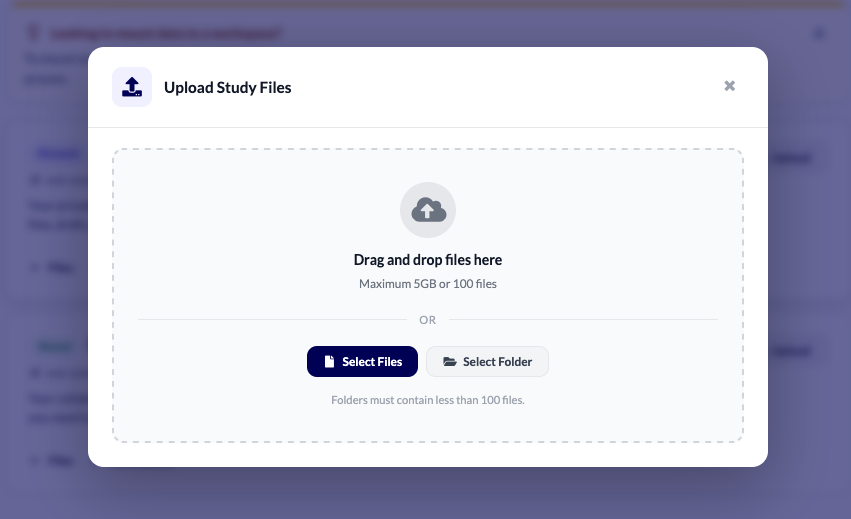
To upload data, first click “Upload” on the desired Study. Drag and drop your files, or click Select Files / Select Folder. Once you have selected the files you would like to upload, click “Upload Files”.
Please note: There is a limit of 5 GB and 100 files per upload. For larger transfers, contact the RACE team.
Downloading Data#
To download data, click the “Files” dropdown on your Study. Then simply click on each file that you would like to download.