Open Data#
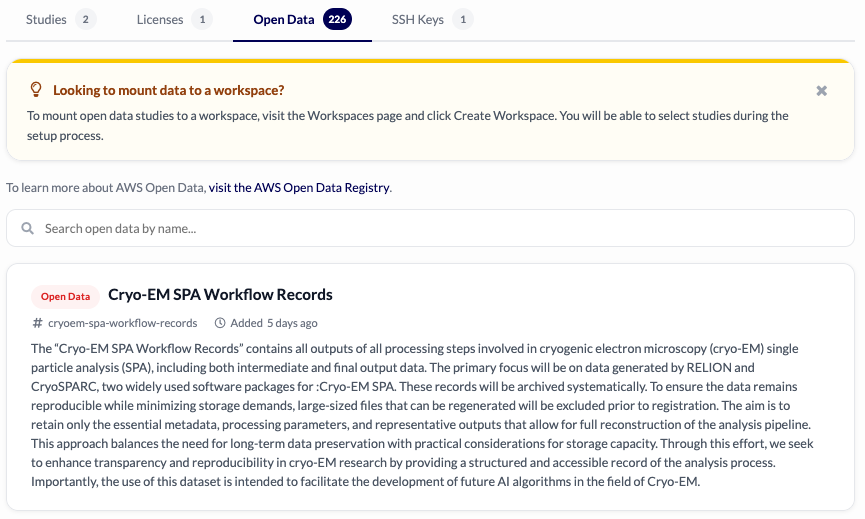
RACE Workbench provides access to publicly available datasets hosted on AWS. You can attach these directly to your workspace without needing to download or store them yourself.
How It Works#
- Browse and attach one or many publicly available datasets to your workspace
- Data is accessed directly from AWS — no storage charges on your end
- Datasets cover a wide range of domains including genomics, climate, satellite imagery, and more
Attaching Open Data#
- Navigate to Storage → Open Data in the RACE Workbench portal
- Browse or search for a dataset
- Select the dataset(s) you want to attach
- The data will be available in your workspace after creation or restart
Available Datasets#
View the full catalogue of available datasets: AWS Open Data Registry
If you need a specific public dataset that isn’t listed, contact us at race@rmit.edu.au and we can look into making it available.