SSH Keys#
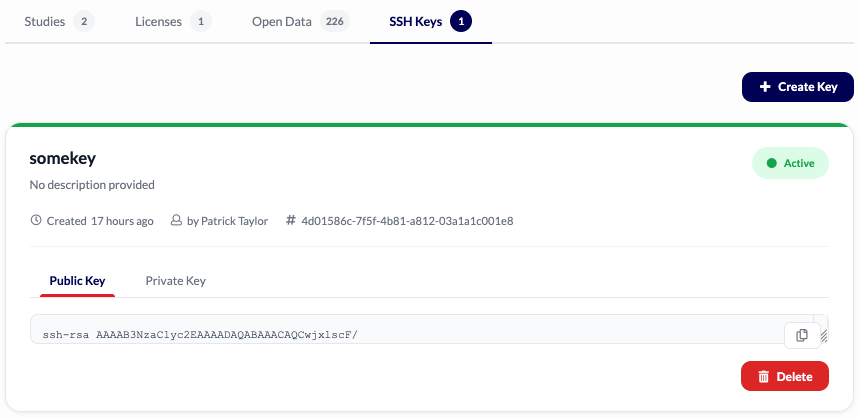
Linux workspaces require an SSH key to connect via SSH. On this page you can create, delete, and manage your keys.
If you lose your key, don’t worry — you can always create a new one. Just remember to update your SSH command with the new key file.
Creating an SSH Key#
-
Click Create Key
-
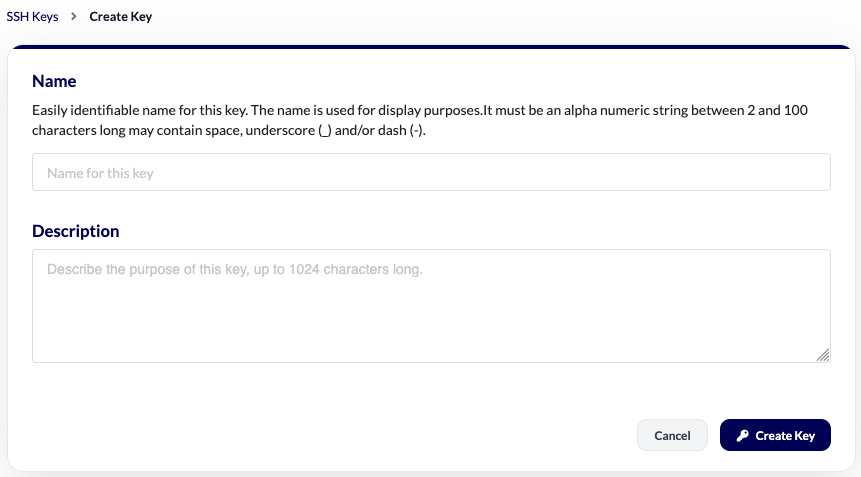
Enter a Name and Description
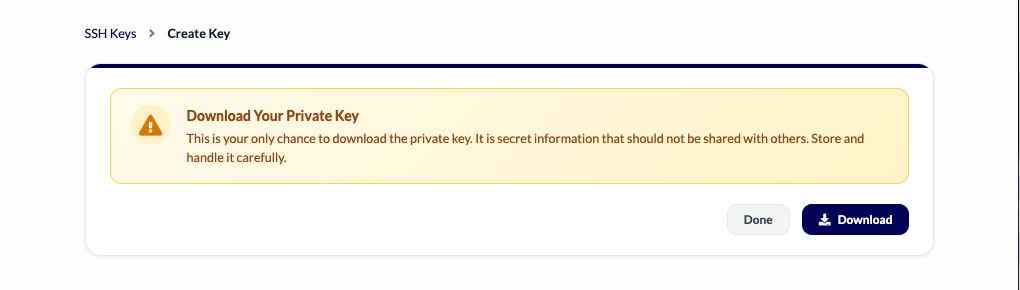
- Download Your Key
This is your only chance to download the private key. Store it securely and do not share it with others.
Using your SSH Key#
For instructions on using your key to connect, see Connecting to Your Workspace.